Neon Vice Stream Overlay Pack – Retro Miami Synthwave OBS Overlay, 10 Scenes, Movable Cam & Chat
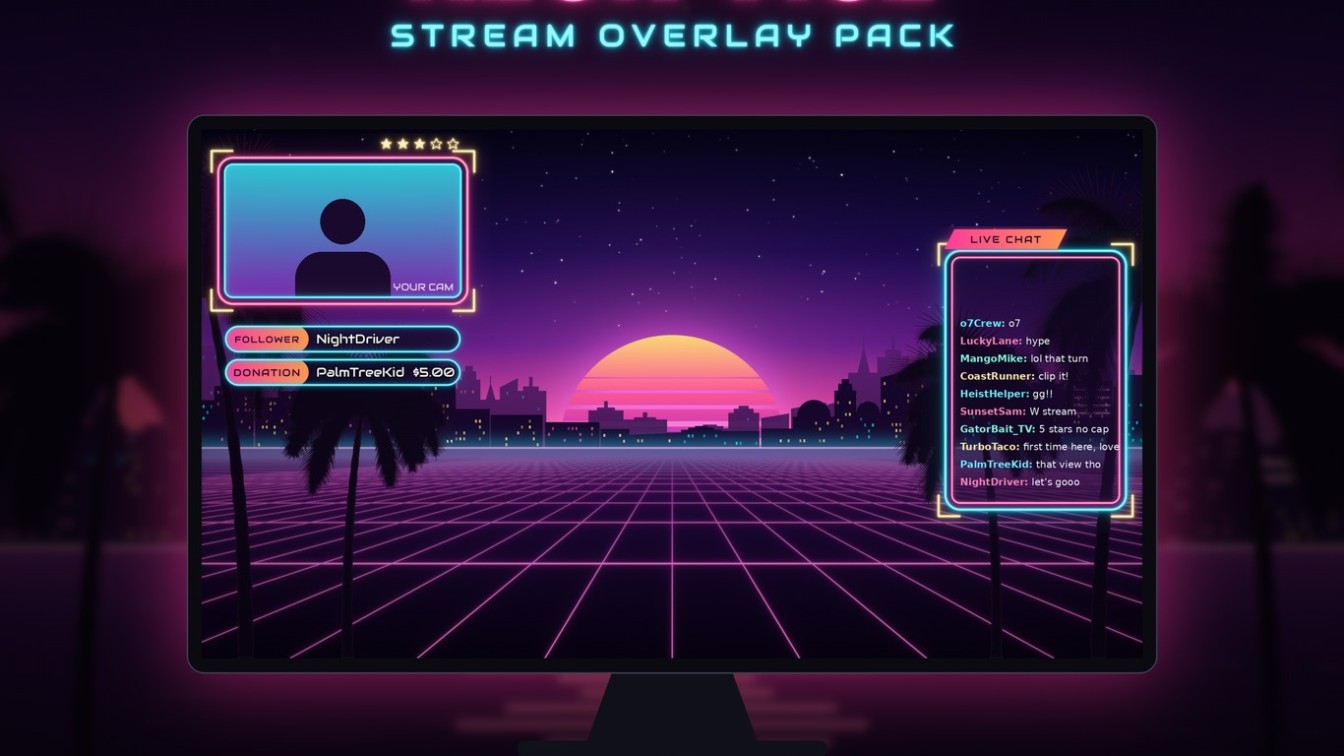
🌴 NEON VICE STREAM PACK: retro Miami nights for your stream 🌅
Take your stream to a neon-soaked coastal city at sunset: pink and orange skies, a glowing striped sun, palm tree silhouettes, a retro grid and a city skyline full of lit windows. It’s made for open-world crime and driving game streams, 80s synthwave fans, chill Just Chatting sessions and anyone who loves that retro Miami neon look.
Everything is ready to use. An OBS import file builds all 10 scenes in minutes, and your webcam and chat are separate pieces you can move and resize however you like.
⭐ WHAT’S INCLUDED
• OBS Studio scene collection (Scene Collection > Import) with 10 scenes already built: Starting Soon, Live Gameplay, Gameplay Fullscreen (cam only), Just Chatting, Be Right Back, Intermission, Technical Difficulties, Replay / Highlights, Ending and Offline
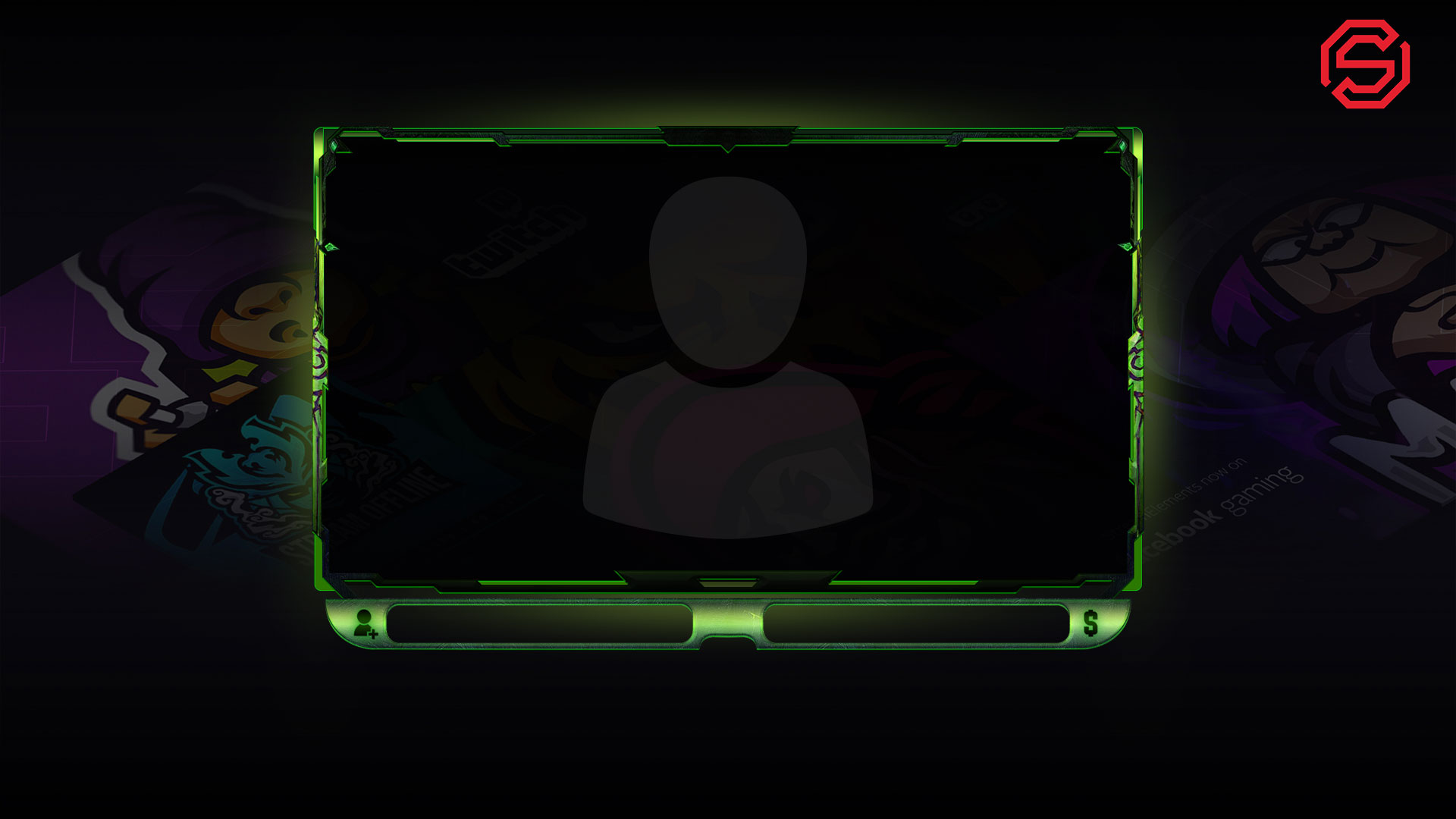
• MOVABLE CAM & CHAT: the webcam frame and the chat frame are separate transparent PNGs, grouped with your camera and chat in OBS. Drag, resize or crop them anywhere in seconds, and nothing is baked into one big overlay
• 7 full screens (1920×1080 PNG): Starting Soon, Be Right Back, Intermission, Technical Difficulties, Just Chatting, Stream Ending, Offline
• 4 TEXTLESS backgrounds, so you can add your own words
• 2 ANIMATED 10-second loops (MP4): Starting Soon with neon flicker and shimmering water, and Be Right Back with a moving retro grid
• Overlay pieces: small and large webcam frames, small and large chat frames, an Instant Replay frame, and Follower, Donation, Subscriber, Socials and blank label bars
• 4 extra webcam frames: 16:9 alternate color, 4:3, circle and vertical 9:16
• Alert box background (transparent PNG)
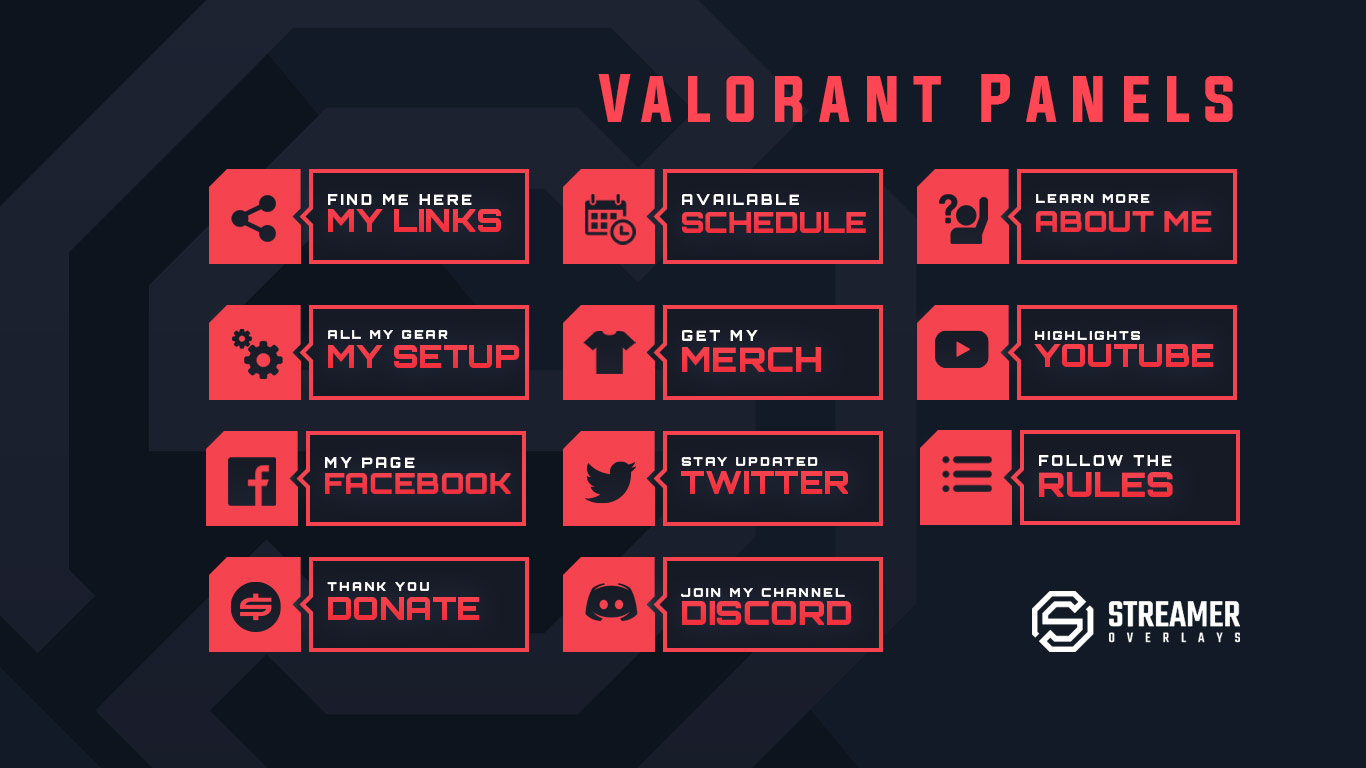
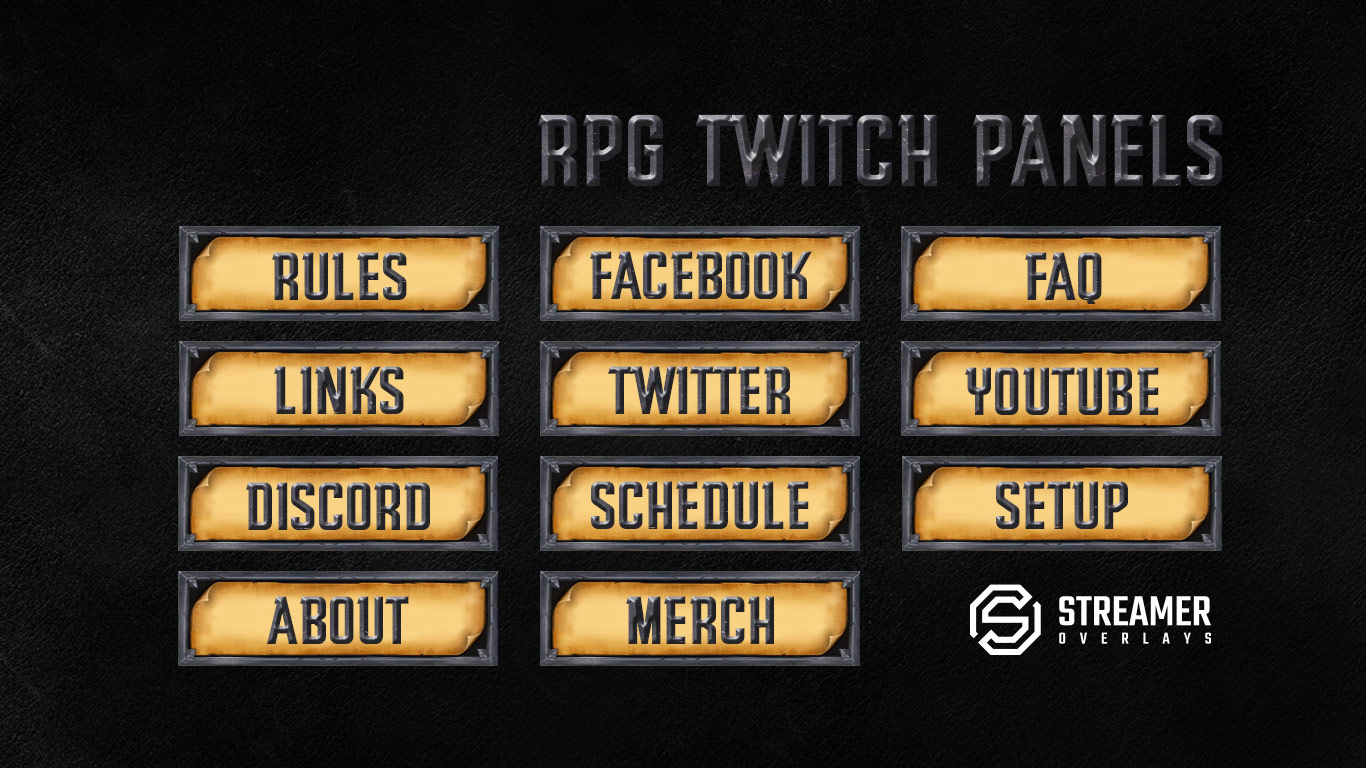
• 7 Twitch panels (320×160): About Me, Schedule, Rules, Donate, Socials, Discord and Blank
• Friendly step-by-step setup guide (PDF + TXT), including how to move and resize your cam and chat, plus a list of free fonts for commercial use
⭐ WORKS WITH
OBS Studio (one-click import) · Streamlabs Desktop · StreamElements (add the PNG/MP4 files by hand)
Stream on Twitch, YouTube, Kick, TikTok Live and Facebook Gaming
⭐ HOW IT WORKS
1. Buy the pack and download the ZIP right away after checkout
2. Unzip it and import the JSON file in OBS (Scene Collection > Import)
3. Pick your webcam, game and chat link, then drag your cam and chat wherever you like. The guide walks you through each step, including how to re-link files if OBS asks.
⭐ PLEASE NOTE
• This is a DIGITAL DOWNLOAD. Nothing physical is shipped.
• You can’t edit the words on the text versions. Use the textless versions to add your own text in OBS.
• Animated alerts, a stinger transition and PSD source files are NOT included.
• The demo gameplay, webcam and chat in the photos are for display only.
• Colors can look slightly different on different screens.
⭐ LICENSE
For personal use on your own channel, including monetized streams and videos. You may not resell, share or redistribute the files, or use them in other products.
This is an original artwork pack inspired by retro 80s neon and Miami-style aesthetics. It is not affiliated with, endorsed by or sponsored by any video game, game studio or publisher.
💜 Thank you for supporting SpoonfulOfCalmStudio, a small disabled-owned shop. Questions? Just send me a message. I’m happy to help you get set up!
Content Creator

Related Products
Same Contributor
Featured Products